Choosing a carrier and service
Ship with your preferred carrier and never pay retail rates again with eBay Labels
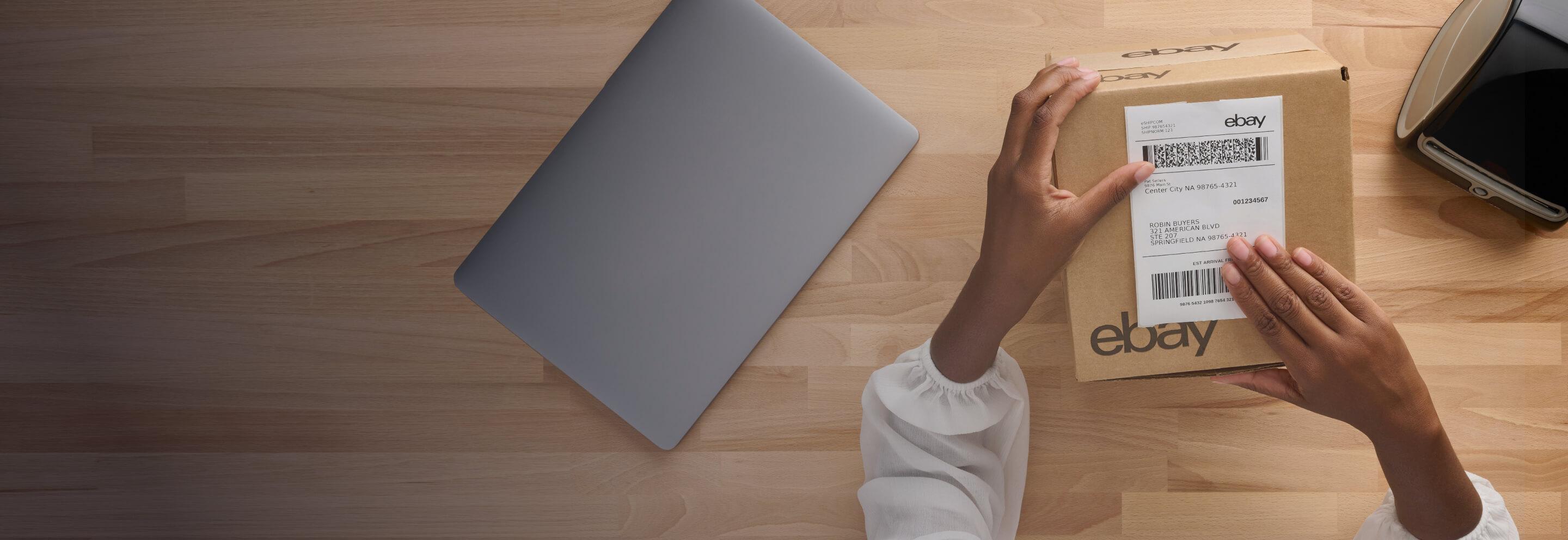
eBay Labels saves you time and money
Whether you’ve just sold your first or thousandth item, make sure you take advantage of all the benefits available to you as an eBay seller. We designed our eBay Labels service to make shipping a seamless experience. You can choose your preferred carrier, save money and grow your sales by shipping internationally.
How eBay Labels works
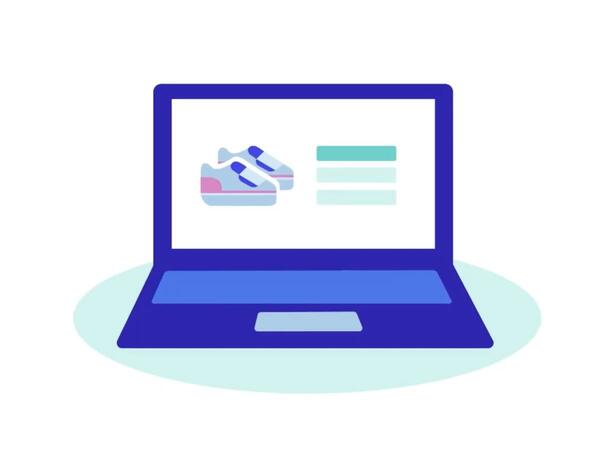
After the sale
When you sell an item, find it in the Sold section in My eBay or the Seller Hub and click “Print shipping label.” Enter the package’s weight and dimensions, then select a carrier and shipping method
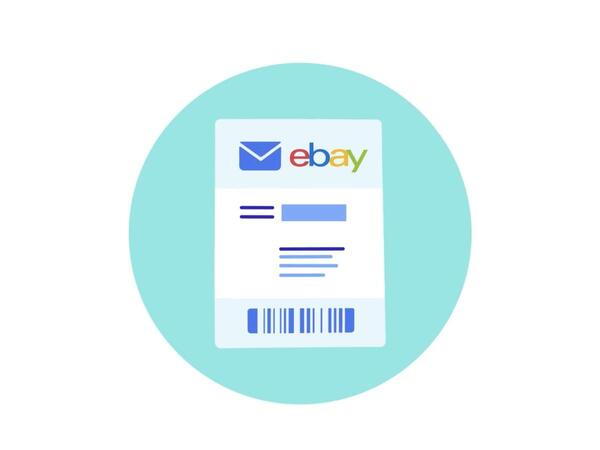
Generate label
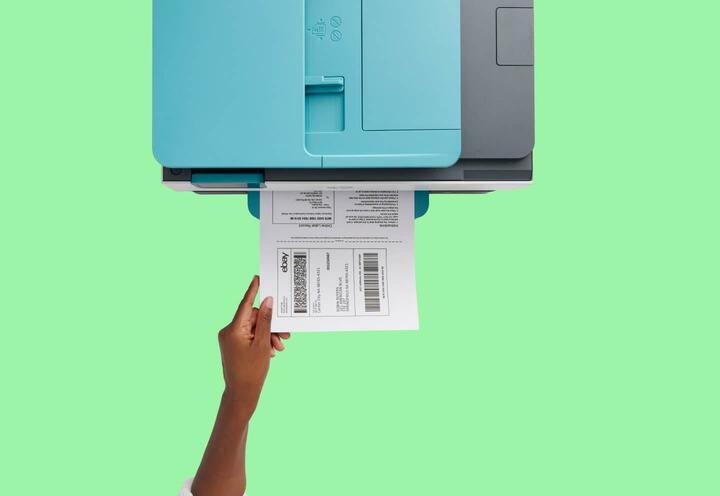
Your buyer’s name and address are automatically loaded. Just choose “Purchase and print label” or “QR Code”
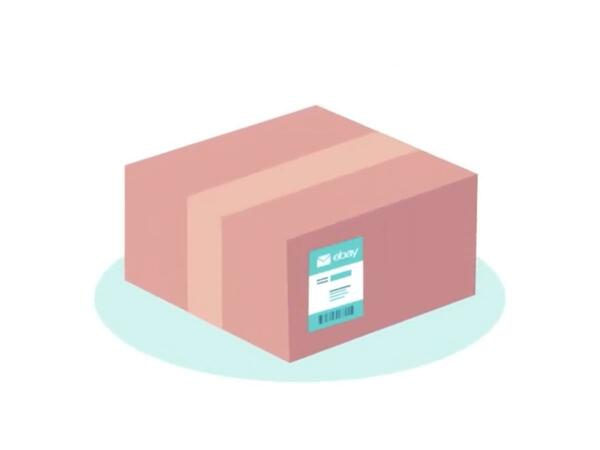
Label and ship
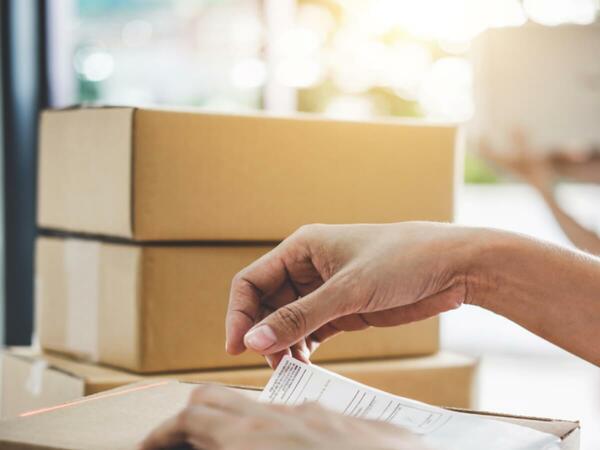
Place the label on your package and ship it. Or, bring the QR code on your device to your carrier when you’re ready to send. Tracking is uploaded automatically for you and your buyer

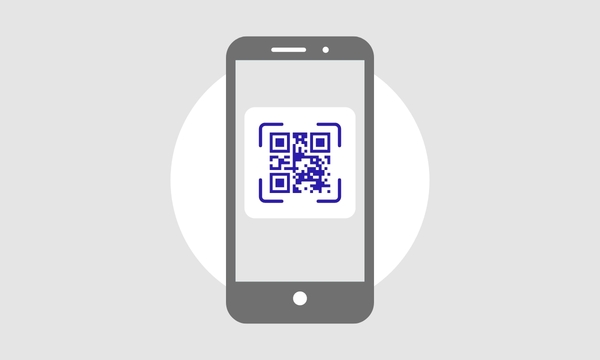
No printer? No problem with QR codes
Whenever you purchase a label through eBay Labels, a QR code will be automatically emailed to you. When you drop off your package with a participating carrier, you can use an in-store self-service station to scan the code and print the label, or have an associate do it for you.
Work with the shipping experts you trust
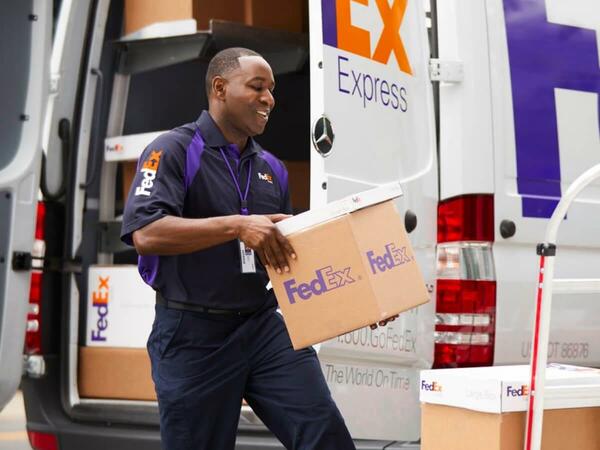
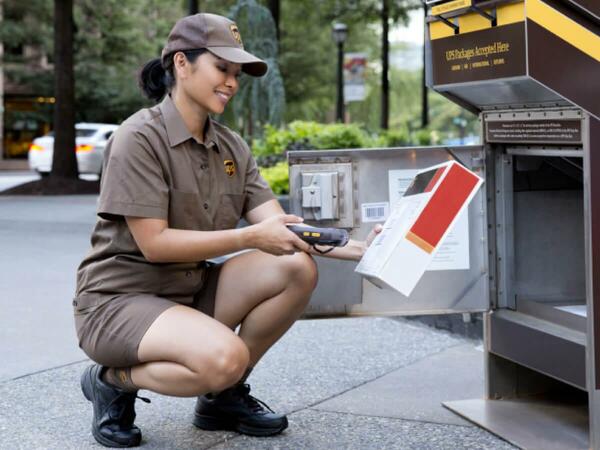
With eBay Labels, you’ll save big over retail rates, get free, automatic tracking and no subscription fees, no matter which shipping partner you choose. Simply select the service from USPS, FedEx or UPS that’s best for you and your buyer.
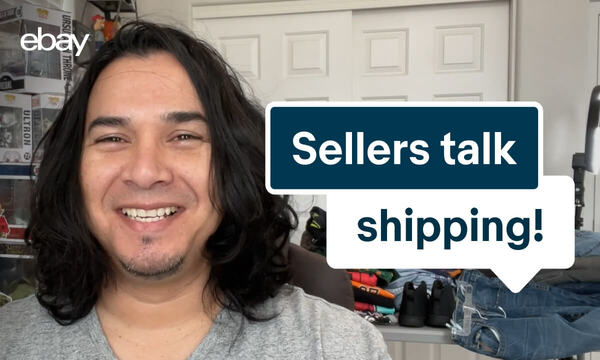
Let’s talk about shipping
No matter what you ship, or what your preferred carrier service is, you can save time and money with eBay Labels.
Explore more in carriers and service
eBay standard envelope
Save when you ship small, lightweight items with this eBay Labels service.