|
Choose a Topic |
|
|
Home |
|
|
|
Getting Started |
|
|
|
Growth Strategies |
|
|
|
Shipping |
|
|
|
PowerSeller Program |
|
|
|
 |
|
|
|
| Purchase and Print Shipping Labels |
|
|
|
|
|
 |
Print Shipping Labels on eBay and PayPal
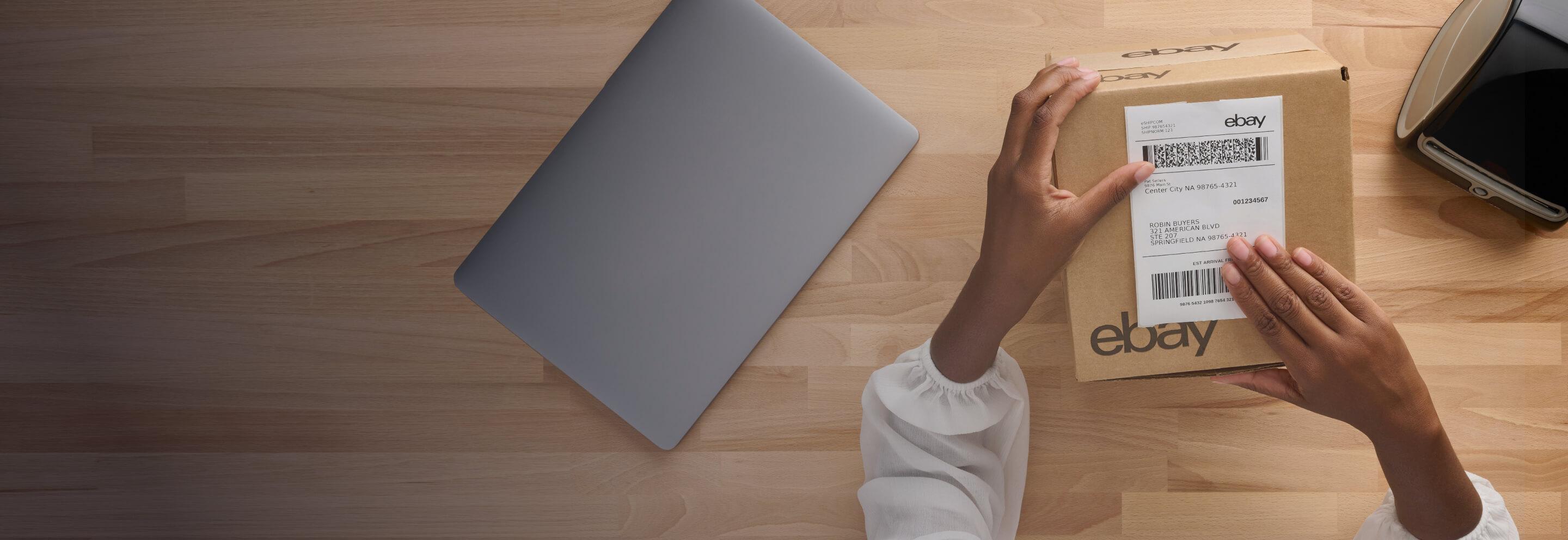
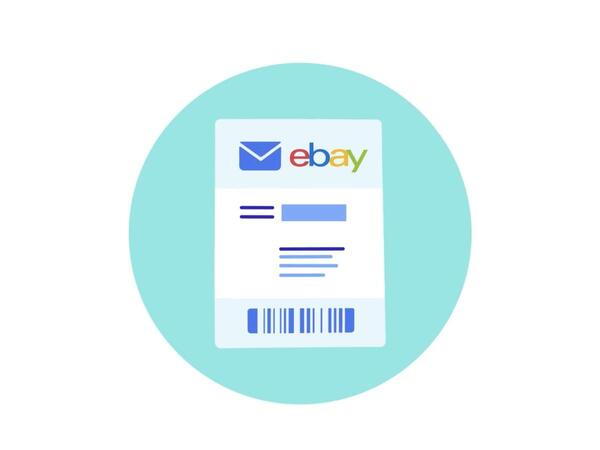
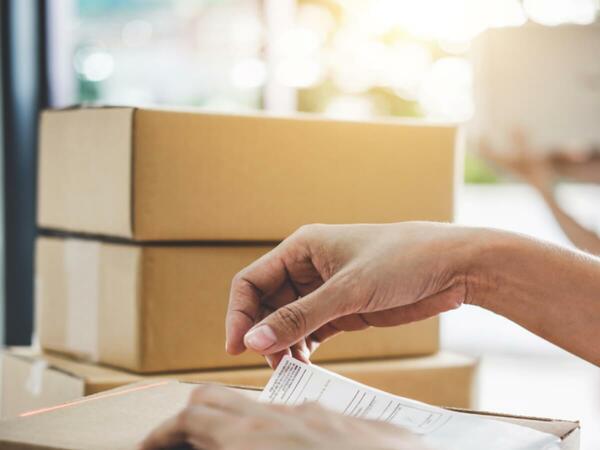
Reduce the amount of time you spend shipping your items when you purchase and print domestic and international shipping labels at home through eBay or PayPal. Printing labels is free, you only pay for the cost of shipping!
Look for the "Print Shipping Label" link on the Item Page or in the drop down menu in My eBay (to the right of the item you've sold), or look for the "Ship" button on the PayPal account overview page.
|
|
Benefits of printing shipping labels through eBay and PayPal
Save on shipping costs.
When you print shipping labels on PayPal, you can save both time and money!
• You receive an automatic discount of 5% on USPS Priority Mail International and 8% on USPS Express Mail International. USPS labels on PayPal also offer free Delivery ConfirmationTM for Priority Mail® and Express Mail® packages, and lower-cost Delivery Confirmation for First Class®, Media Mail®, and Parcel Post® packages
• Save Up to 31% on UPS® Shipping. Cut shipping costs with help from the UPS Special Pricing Program, available to qualified eBay sellers when you print your shipping labels with PayPal. Find out how to sign up today.
Insure your packages right from your computer.
With USPS labels, you can purchase up to $500 in shipping insurance right in the label printing flow. If you need more than $500 in insurance with USPS, you can purchase it at the Post Office. Each UPS domestic package or international shipment is automatically protected by UPS against loss or damage up to a value of US$100. For protection above US$100, shippers may declare a value up to $999 when shipping through PayPal.
Pay with PayPal.
Pay for shipping labels safely and conveniently using your PayPal account. With UPS labels you also have the option to bill your UPS account.
Print International Labels and Customs Forms.
Now for the first time you can print international shipping labels from PayPal to serve your global buyers. Not only is the buyers' international address pre-filled on the shipping label, but you can easily complete and print the required customs forms - directly on PayPal!
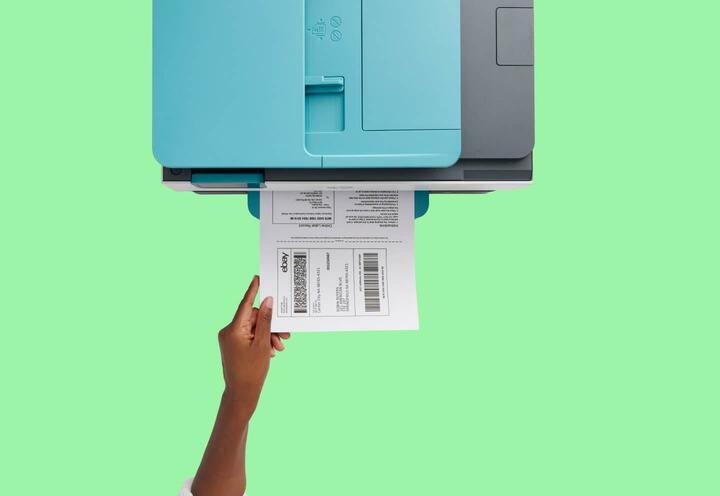
Print your shipping labels right at home.
Print your shipping labels right at home. You can print your shipping label right to your standard printer. If you are printing a USPS label on PayPal, you also have the option to print to one of the following label printers:
-Zebra LP 2844-Z
-Zebra TLP 3842
-Zebra HT-146
-Zebra TLP 2844
-Zebra TLP 3844
-Brother QL-500
-Brother QL-550
-DYMO LabelWriter 330 Turbo
-DYMO LabelWriter 330
-Pitney Bowes LPS-1
Just click the "Change Printer Settings" link after you have selected the service type and entered the weight of the item to choose a label printer.
Request a pickup from USPS or UPS.
After you have printed your label, simply request a pickup from USPS or UPS in order to save gas and a trip to the Post Office or UPS location. USPS free Carrier pickup can only be used if you are shipping at least 1 Priority Mail or Express Mail package. You and your buyer can then track the package right in My eBay or PayPal’s account overview. USPS labels have delivery confirmation and UPS labels have detailed tracking from the initial scan to final delivery.
Fewer buyer emails.
An email is automatically sent to both you and the buyer when you purchase a shipping label through eBay and PayPal. The email includes details on how to track the package. You'll get fewer questions from buyers about the status of their shipments.
Note: You can use PayPal to buy shipping labels even if you don't offer PayPal as a payment method for your items. |
|
|
|
|
|
 |
Spotlights


|